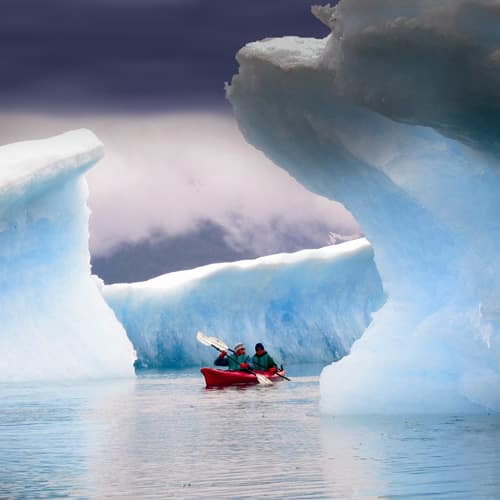
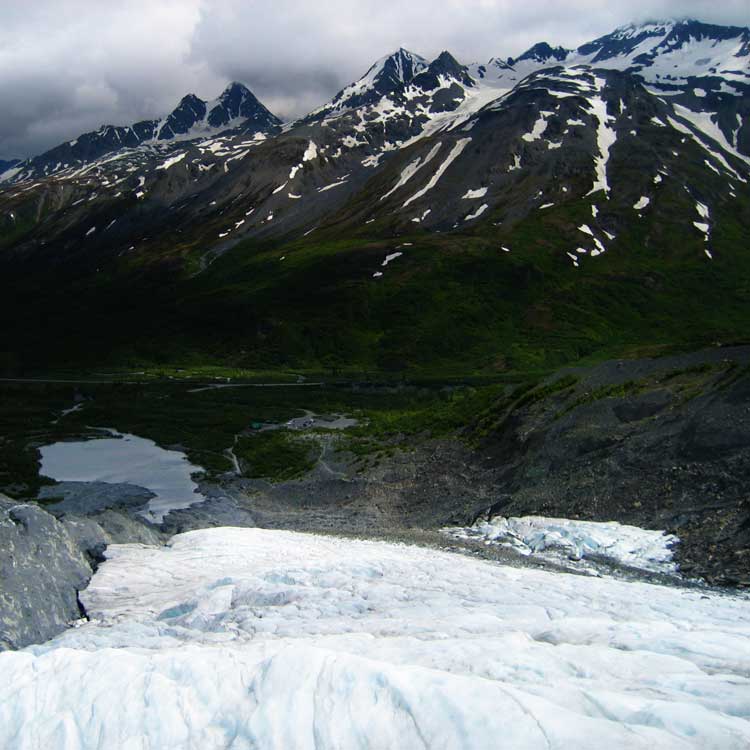
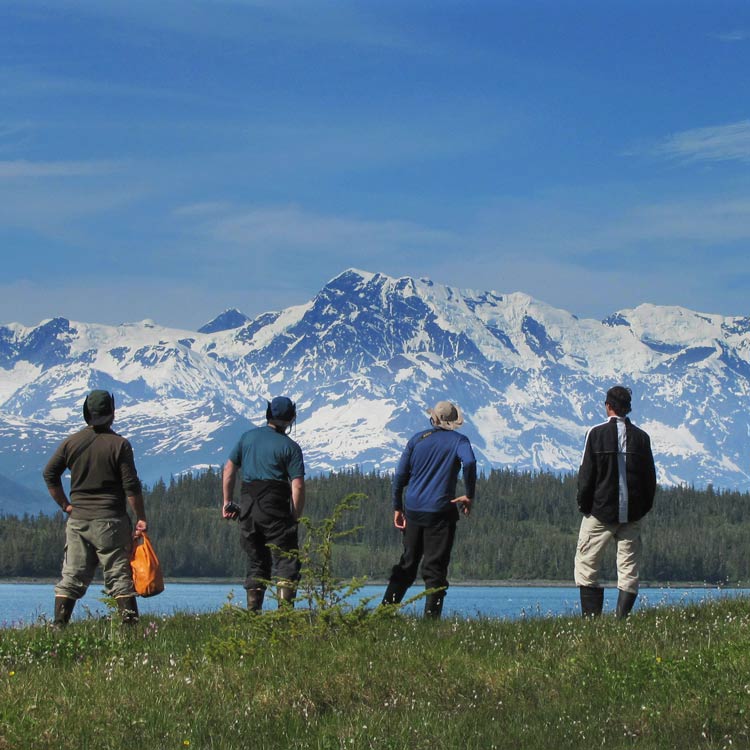
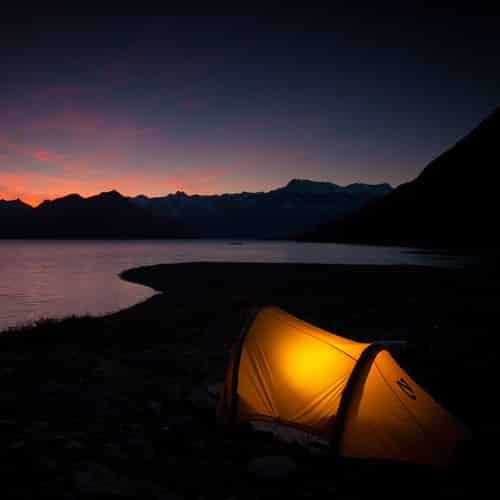
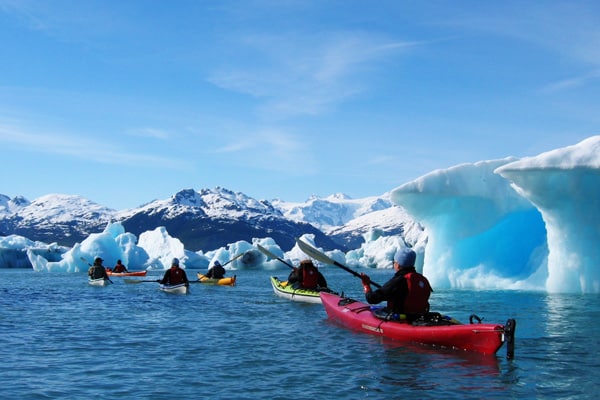
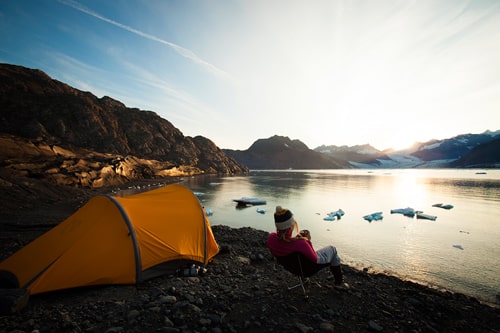
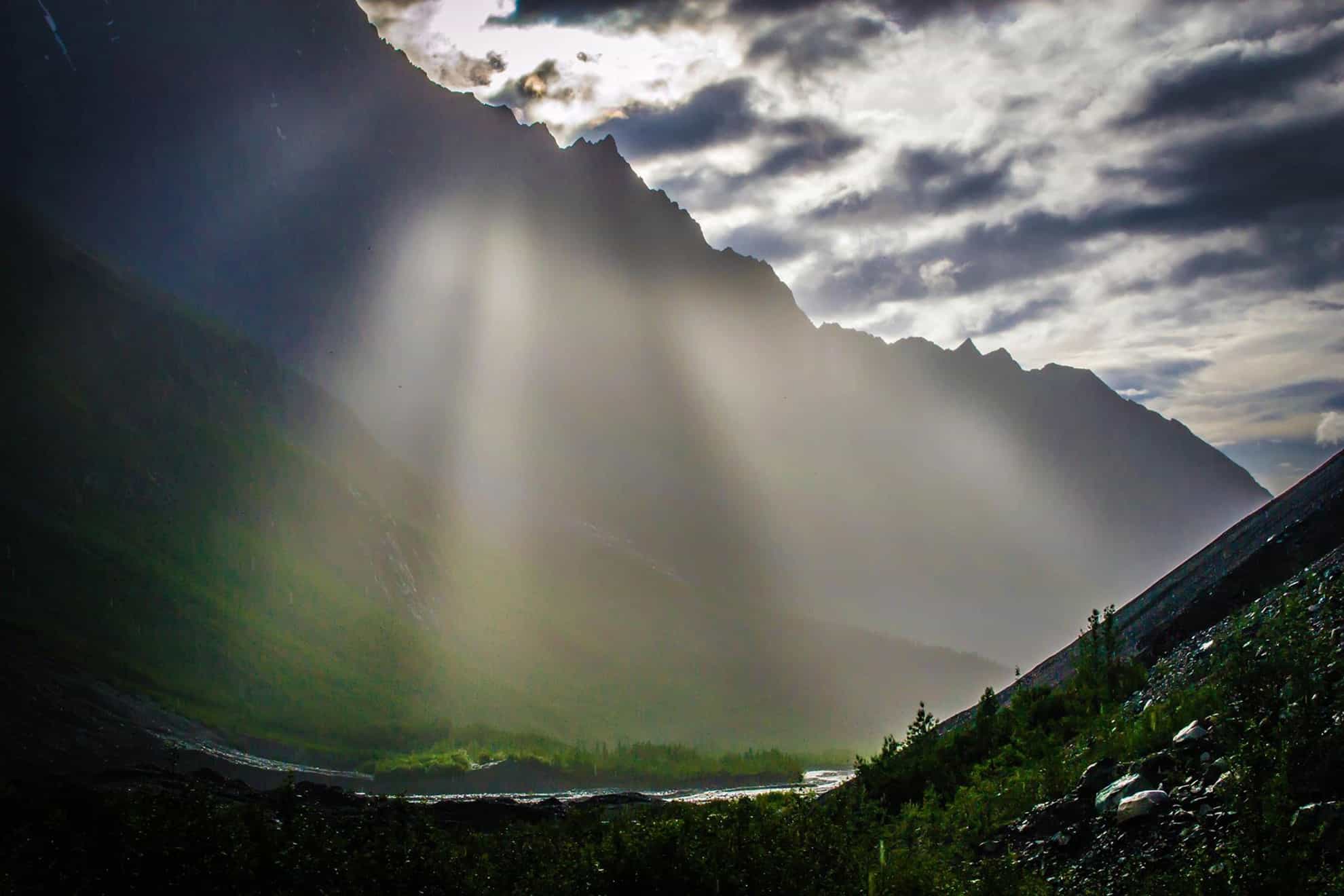
It is our goal, honor, and ultimate pleasure to provide all our employees and guests with a truly intimate and unmatched experience in the Alaskan wild. Lucky us, we get to live, work, and play in one of the most rugged, remote, dynamic, untrammeled and scenic areas on earth. The vibrant, pristine, tourmaline waters of Prince William Sound surrounding Valdez are relatively protected and calm, when compared to the other Alaskan coastal towns exposed to the wide open ocean. Plus, we get to witness the mighty Columbia Glacier continue its catastrophic retreat almost every day of the summer. The pure remoteness, dramatic relief, spectacular wildlife, massive glaciers, and vast expanse of Prince William Sound and the Chugach Mountains will undoubtedly make our area the highlight of your vacation.
Join our fun, friendly, informative, and safety-conscious team for a truly unforgettable experience, in one of the finest natural settings on earth.
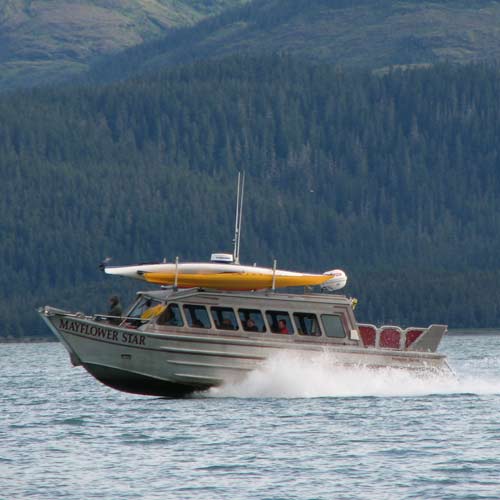
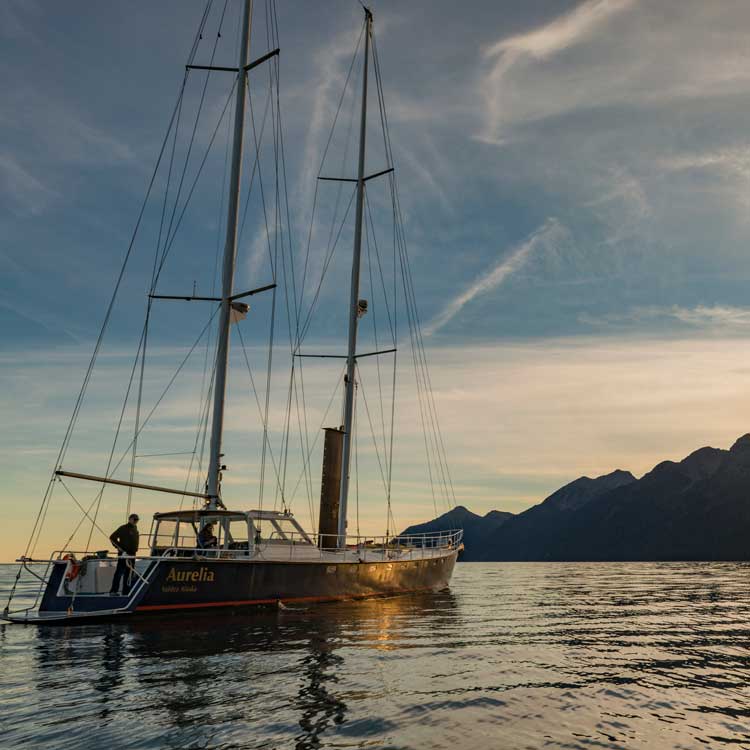
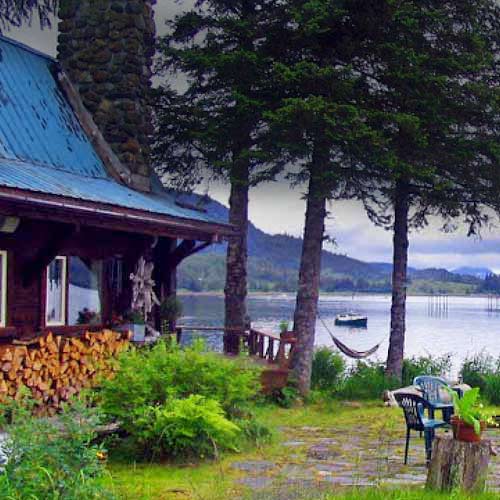
Come see for yourself what the Pangaea buzz is all about, be it for a paddling day tour, sea kayak camping, lodge-based, or mothership trip, or fuse all of our trips together into one week-long mind-blowing multi-sport sampler. We look forward to taking you out and showing you the goods!